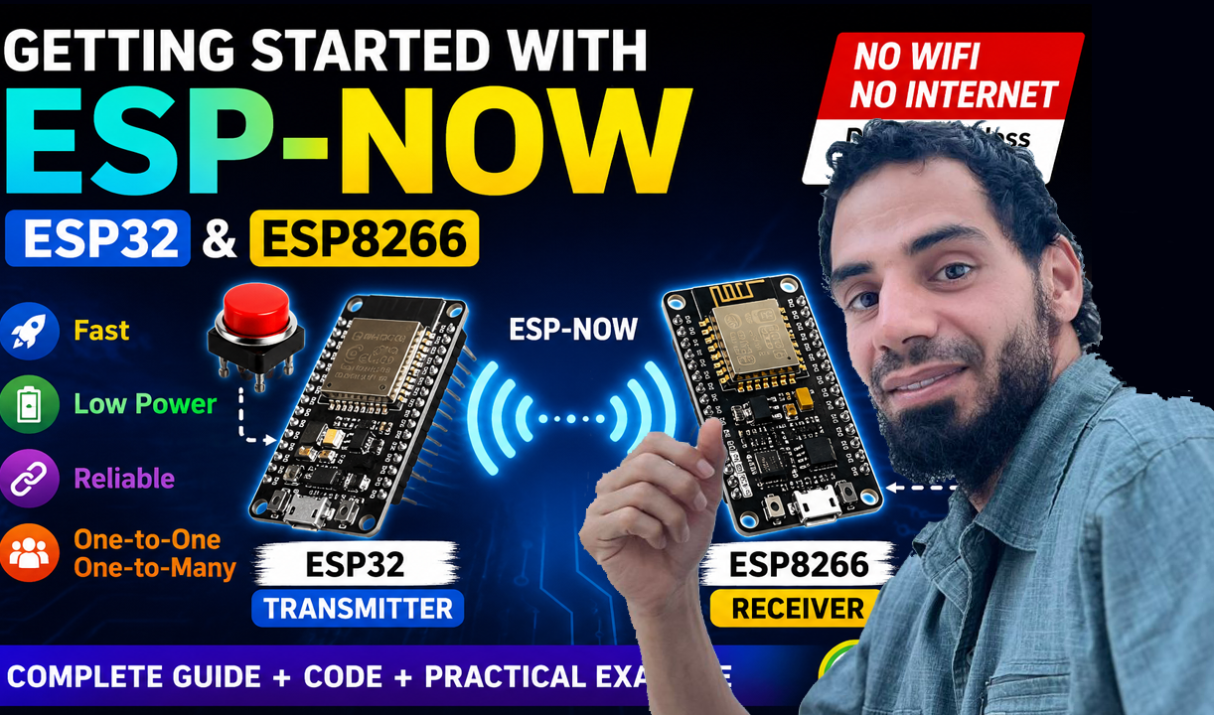

ESP-NOW is a highly versatile and lightweight wireless communication protocol developed by Espressif. Unlike standard Wi-Fi or Bluetooth, it allows multiple ESP32 and ESP8266 devices to exchange data directly without needing a router, internet connection, or complex network pairing. This makes it perfect for IoT projects, sensor networks, home automation, robotics, and battery-powered devices. In

Keeping track of your Rakats, Rukoo, and Sujood during Salah can be a great solution, especially during long prayers. A microcontroller like Arduino with some sensors can be used to create an innovative Smart Prayer Mat capable of detecting prayer movements such as Rukoo and Sujood. In this Guide, we will build a Smart Prayer
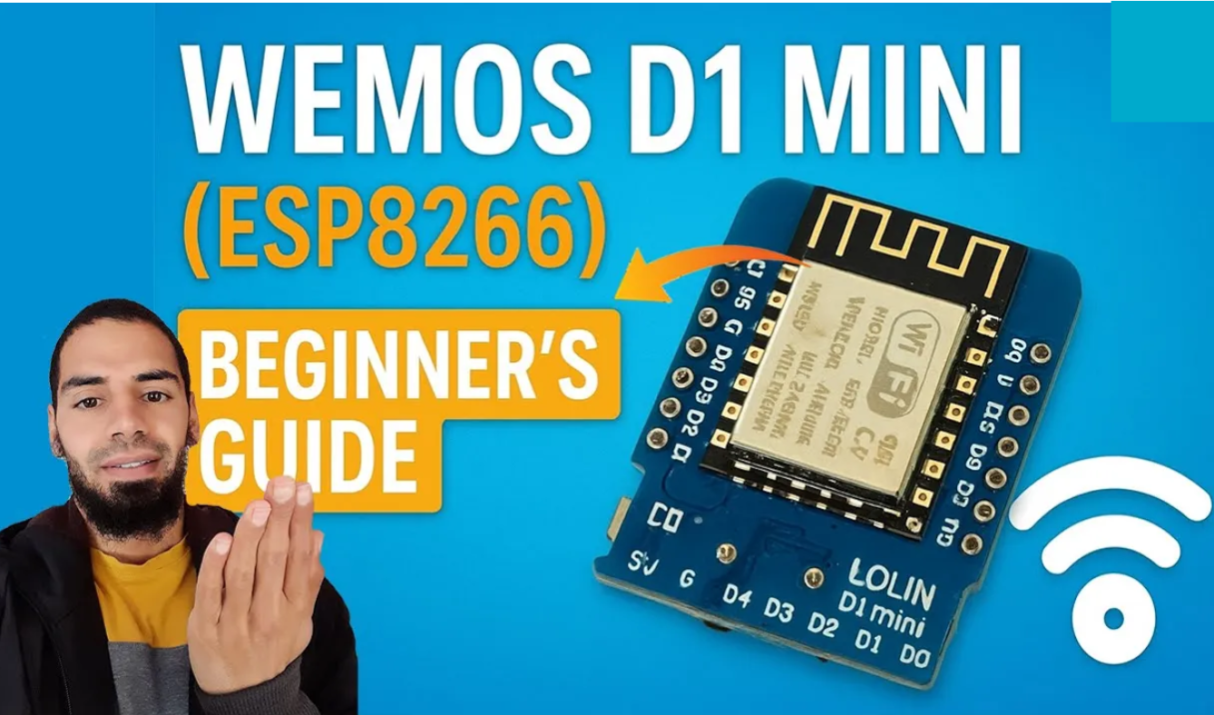
The Wemos D1 Mini has become one of the most popular Wi-Fi-enabled microcontroller boards for IoT projects. Based on the ESP8266 chip, this tiny yet powerful board allows makers, students, and engineers to create wireless projects with ease. In this guide, you’ll learn everything you need to know to get started with the Wemos D1
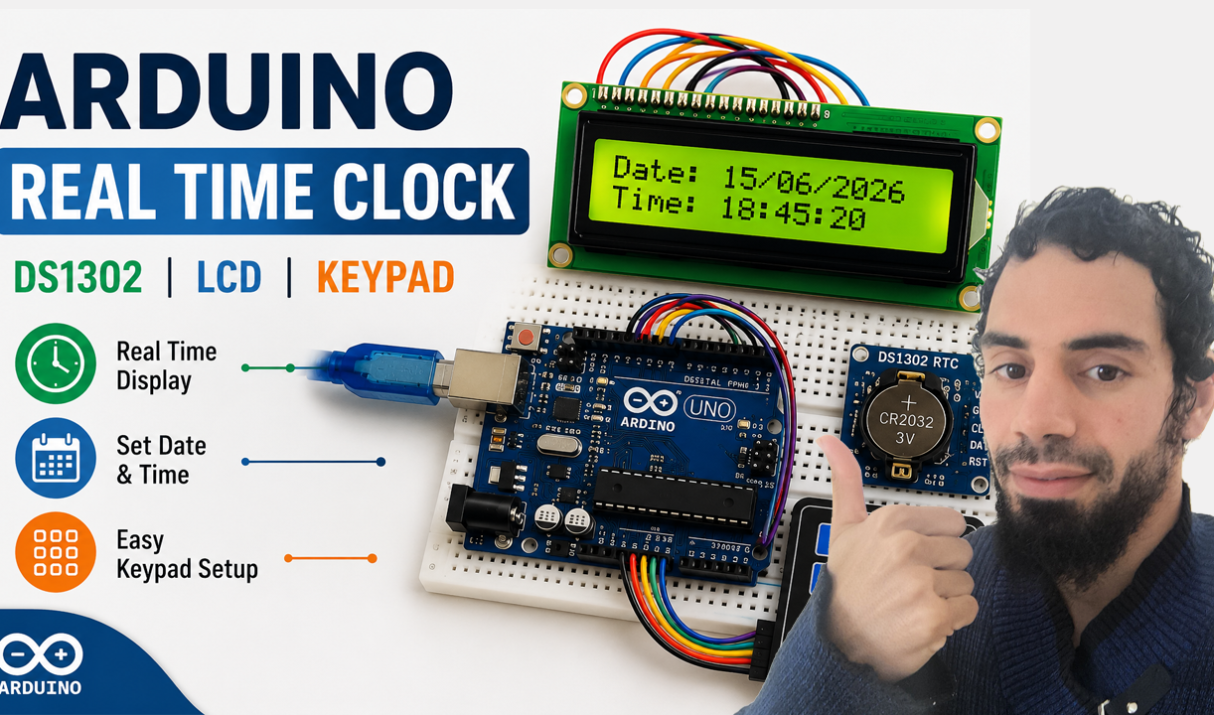
Keeping accurate time is an essential feature in many electronics projects. Whether you’re building a home automation system, attendance tracker, alarm clock, or scheduling devices. A Real-Time Clock (RTC) module allows your project to maintain the correct date and time even when power is removed. In this tutorial, we will build a complete Arduino Real-Time
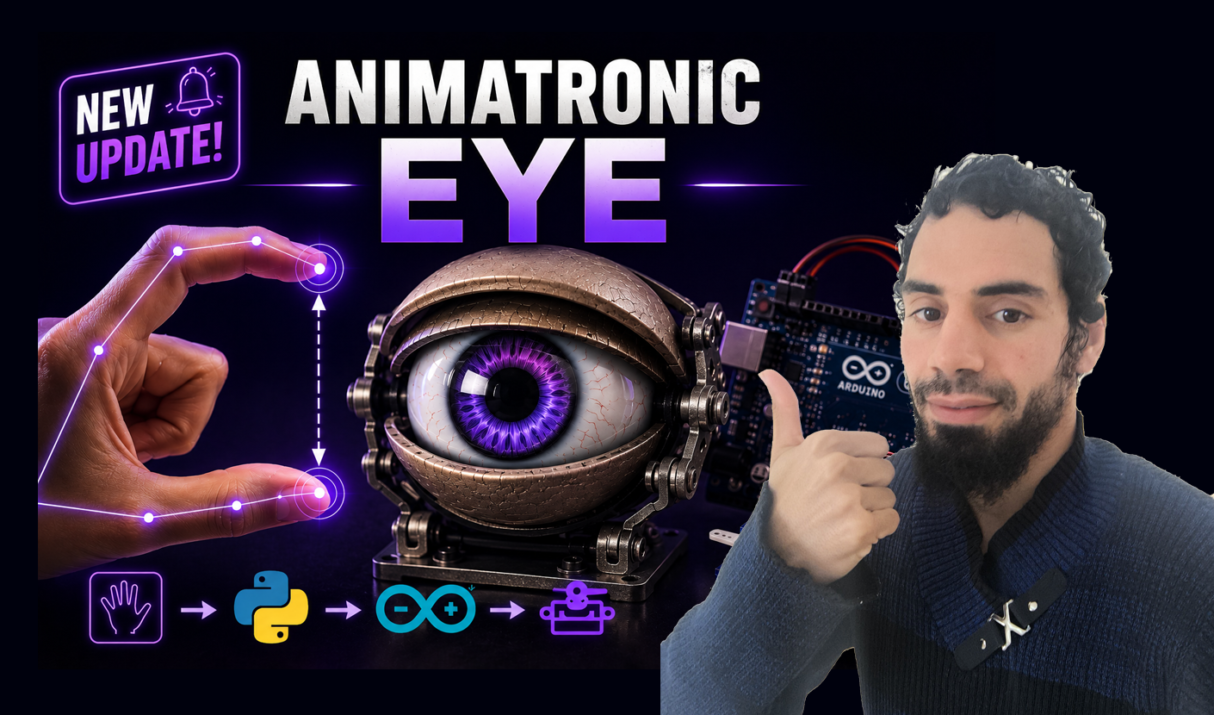
Remember those lifelike animatronic characters from Disney rides or sci-fi movies? The ones where the eyes seem to truly look at you, blinking with perfect timing? What if you could build one yourself — and control it just by moving your hand? Today, We’ll combine Arduino, Python, MediaPipe Hand Tracking, and Servo Motors to build an animatronic eye controlled
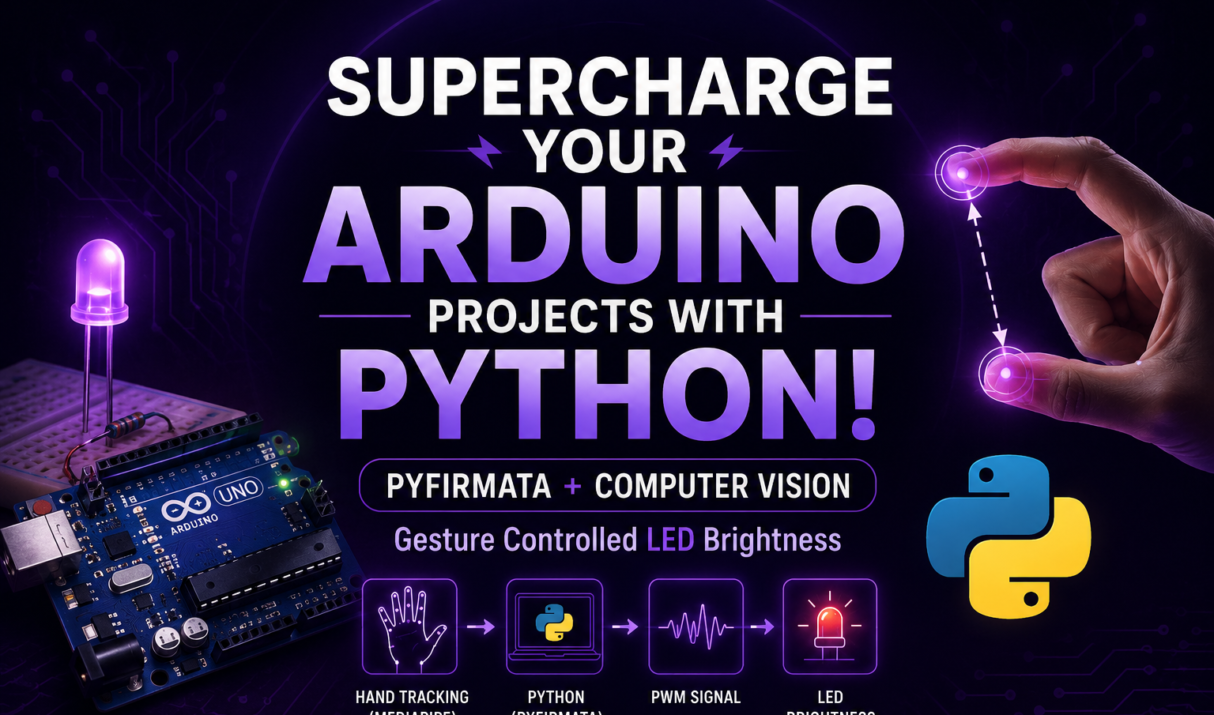
Tired of blinking LEDs and staring at the Serial Monitor? What if you could control your Arduino just by waving your hand? Not with a clunky sensor, but with your actual fingers — using your computer’s webcam and the magic of AI. In this tutorial, you’ll learn how to connect Python and Arduino using PyFirmata, allowing Python