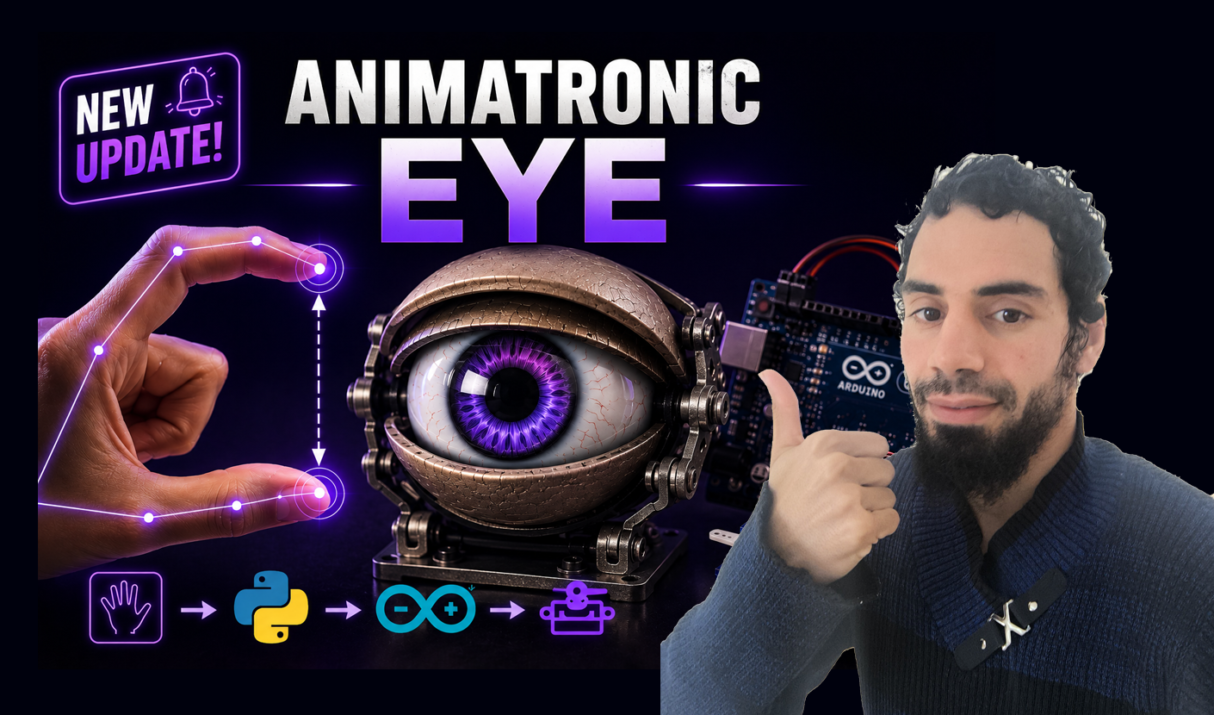

Remember those lifelike animatronic characters from Disney rides or sci-fi movies? The ones where the eyes seem to truly look at you, blinking with perfect timing? What if you could build one yourself — and control it just by moving your hand? Today, We’ll combine Arduino, Python, MediaPipe Hand Tracking, and Servo Motors to build an animatronic eye controlled
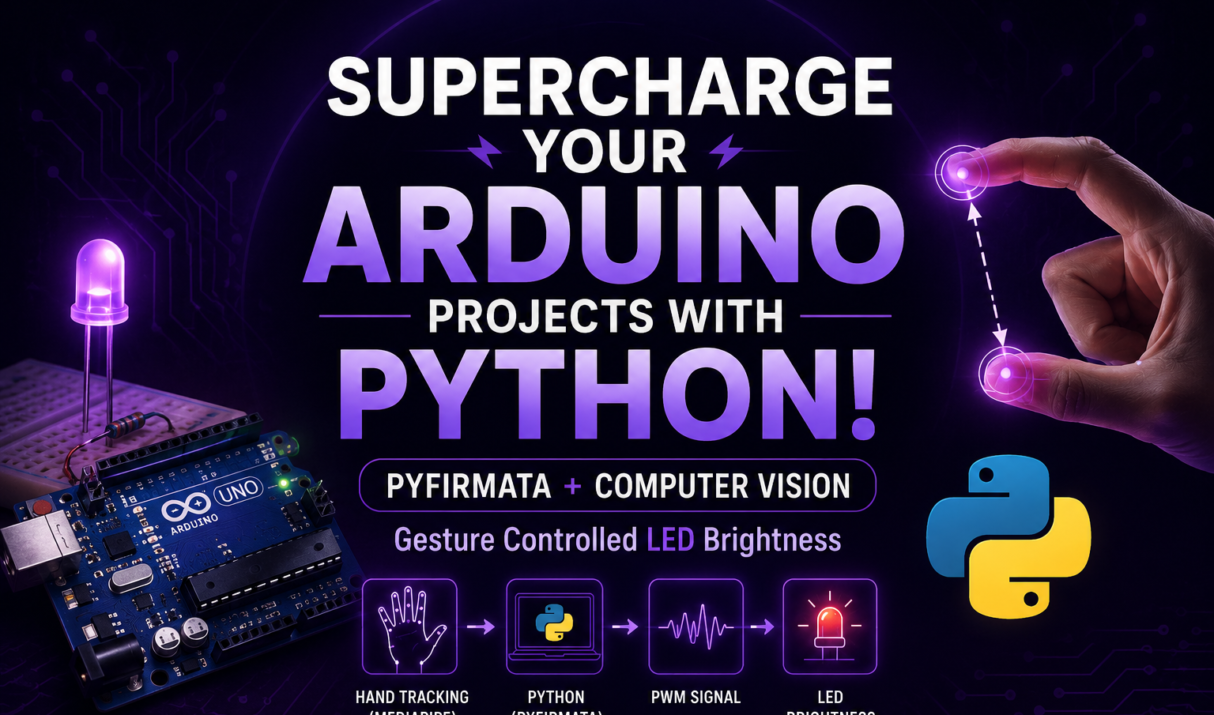
Tired of blinking LEDs and staring at the Serial Monitor? What if you could control your Arduino just by waving your hand? Not with a clunky sensor, but with your actual fingers — using your computer’s webcam and the magic of AI. In this tutorial, you’ll learn how to connect Python and Arduino using PyFirmata, allowing Python
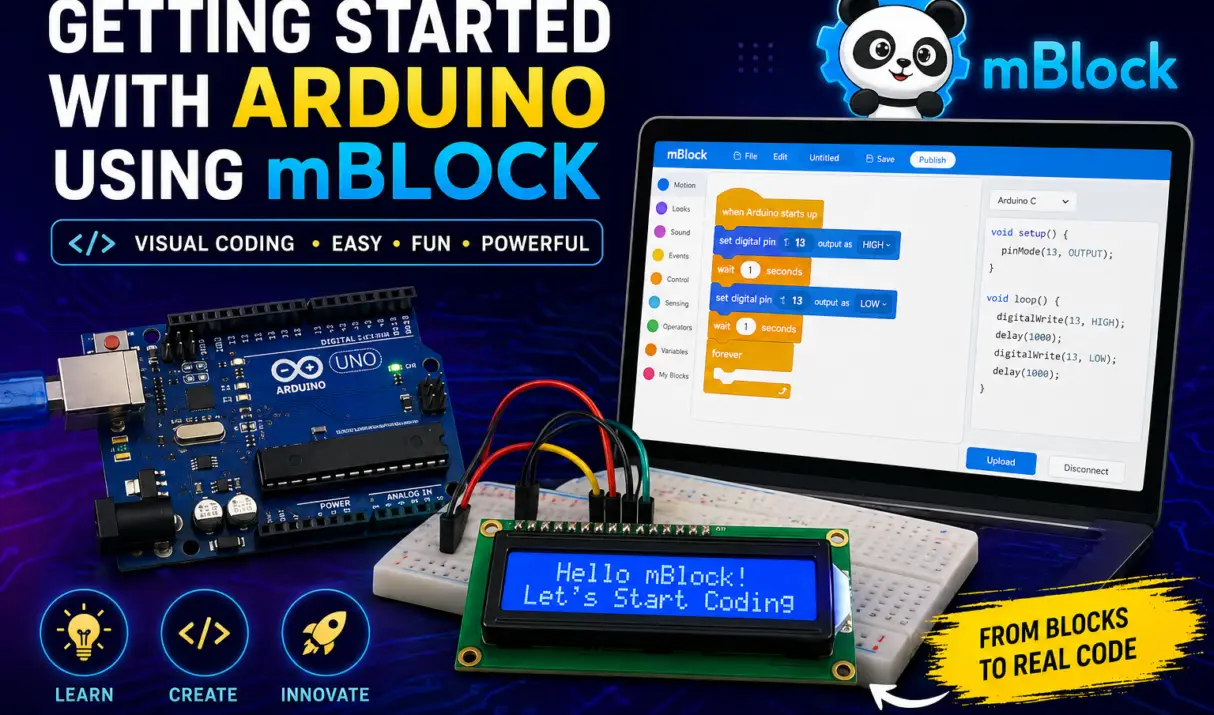
📌 Introduction If you’re new to electronics and coding, starting with traditional Arduino code can feel intimidating. That’s where mBlock comes in—a visual, drag-and-drop programming platform that makes learning Arduino simple and fun. In this guide, you’ll learn how to set up mBlock, connect your Arduino board, and create your first project without writing a

The GC9A01 round TFT display is not just another screen. Unlike standard rectangular screens, a circular LCD adds a touch of style and sophistication — it’s a powerful way to create modern, smartwatch-style user interfaces in your electronics projects. In this guide, I’ll walk you through everything you need to know: from wiring it up
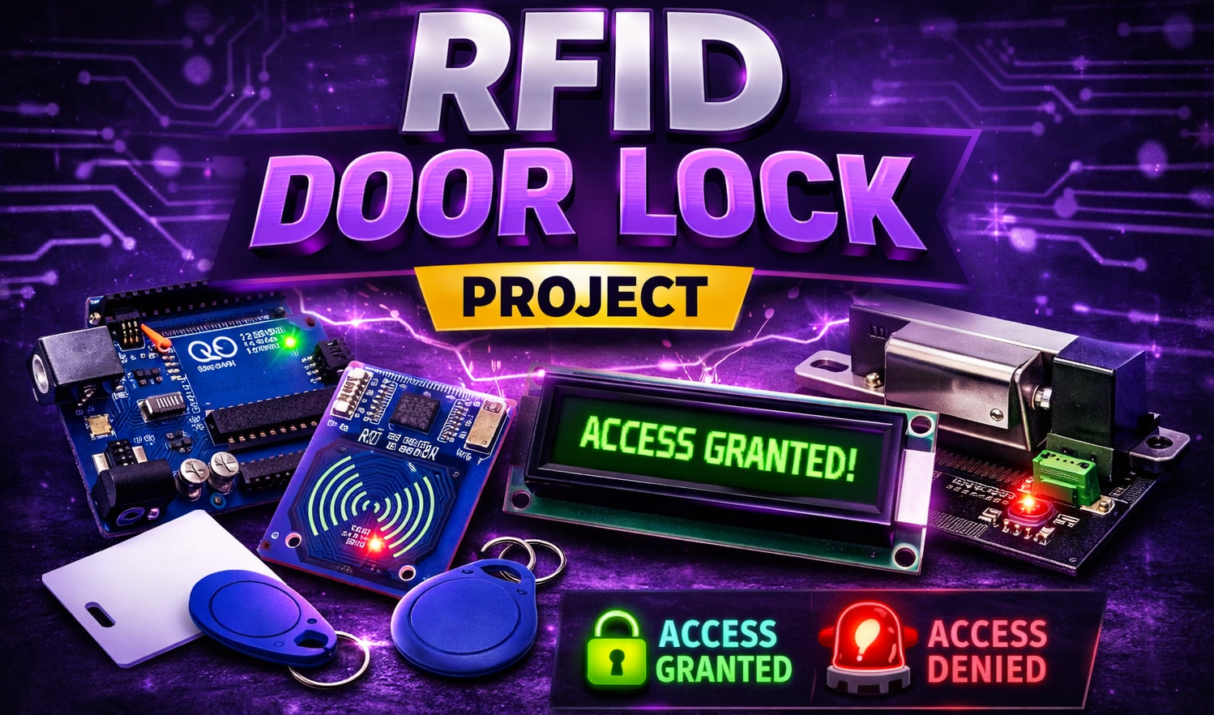
Security systems are becoming an essential part of modern homes and offices. Instead of traditional keys, RFID technology offers a simple and secure way to control access. So let’s build a complete RFID door lock system using Arduino, an RC522 RFID reader, and a solenoid door lock. This system allows access only to authorized RFID
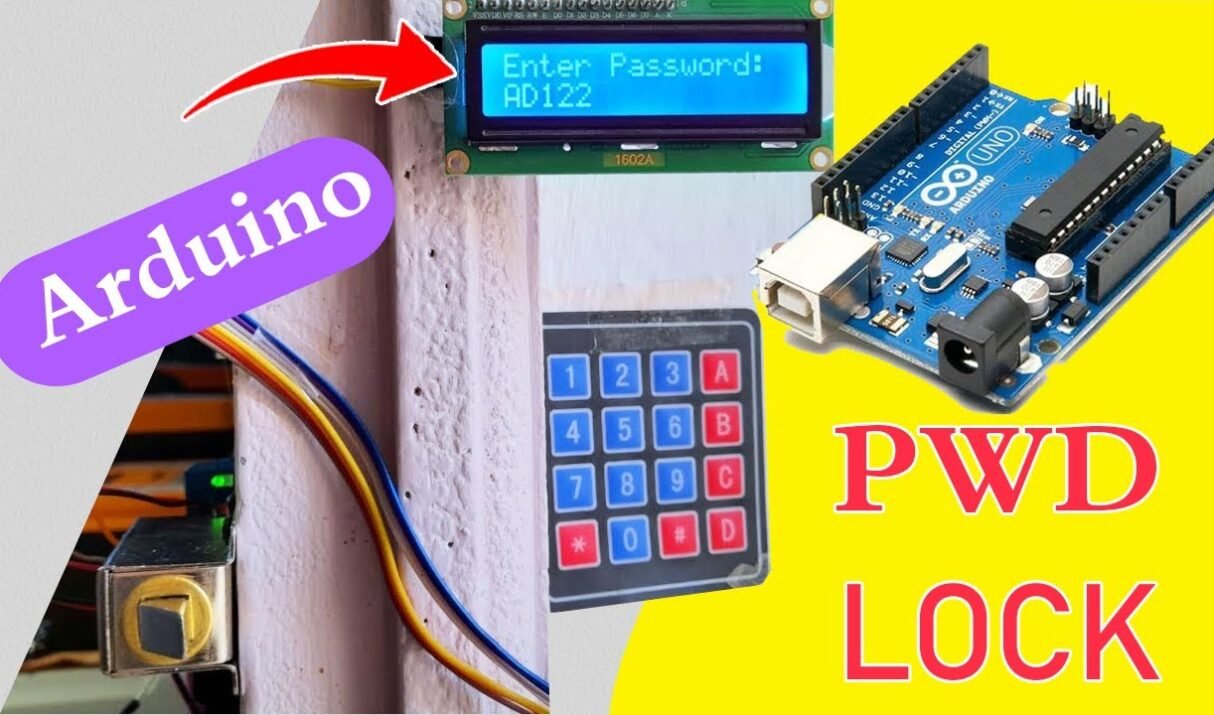
Building a password-protected door lock system with Arduino is a great beginner-to-intermediate electronics project. You will learn how to create a secure digital door lock using an Arduino, a 4×4 keypad, an I2C LCD, a buzzer, and a solenoid door lock. The system allows a user to enter a password through the keypad. If the