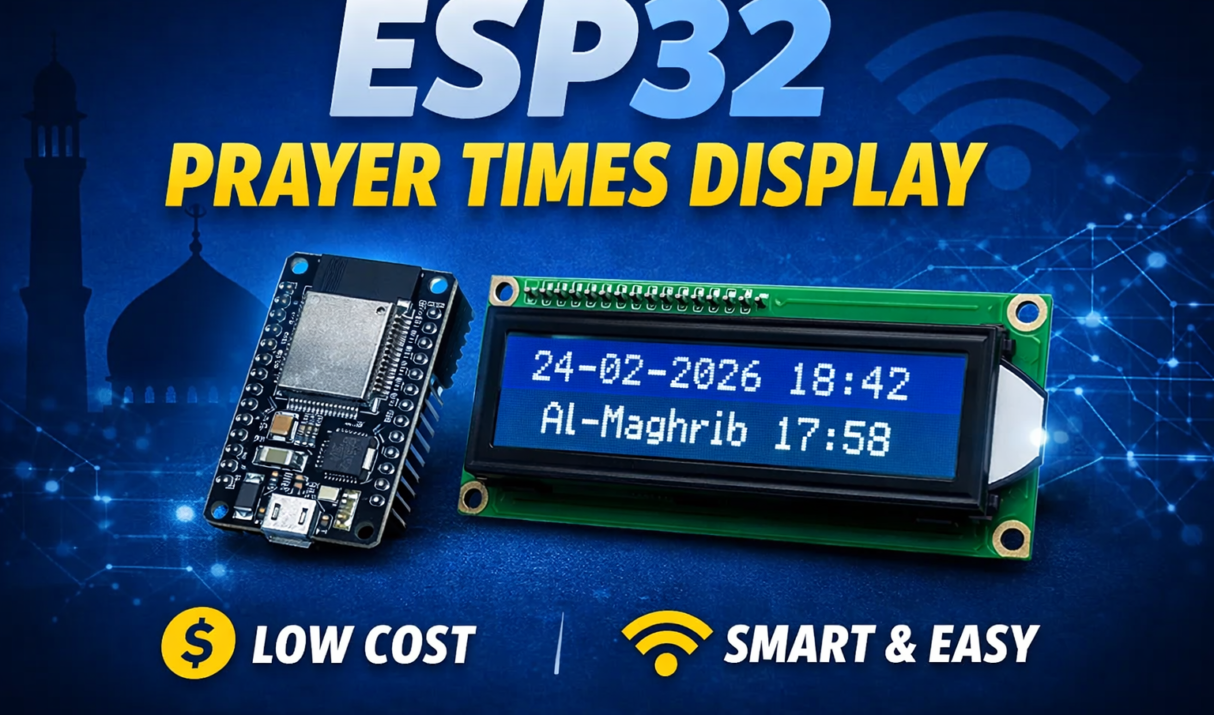

Previously, we built a Prayer Times Display using Raspberry Pi, which was a powerful and flexible solution. The Raspberry Pi allowed advanced customization and a larger display interface. However, one major downside of the Raspberry Pi project was the cost. So let’s build a dedicated Smart Prayer Times Display using the ESP32 and a 16×2
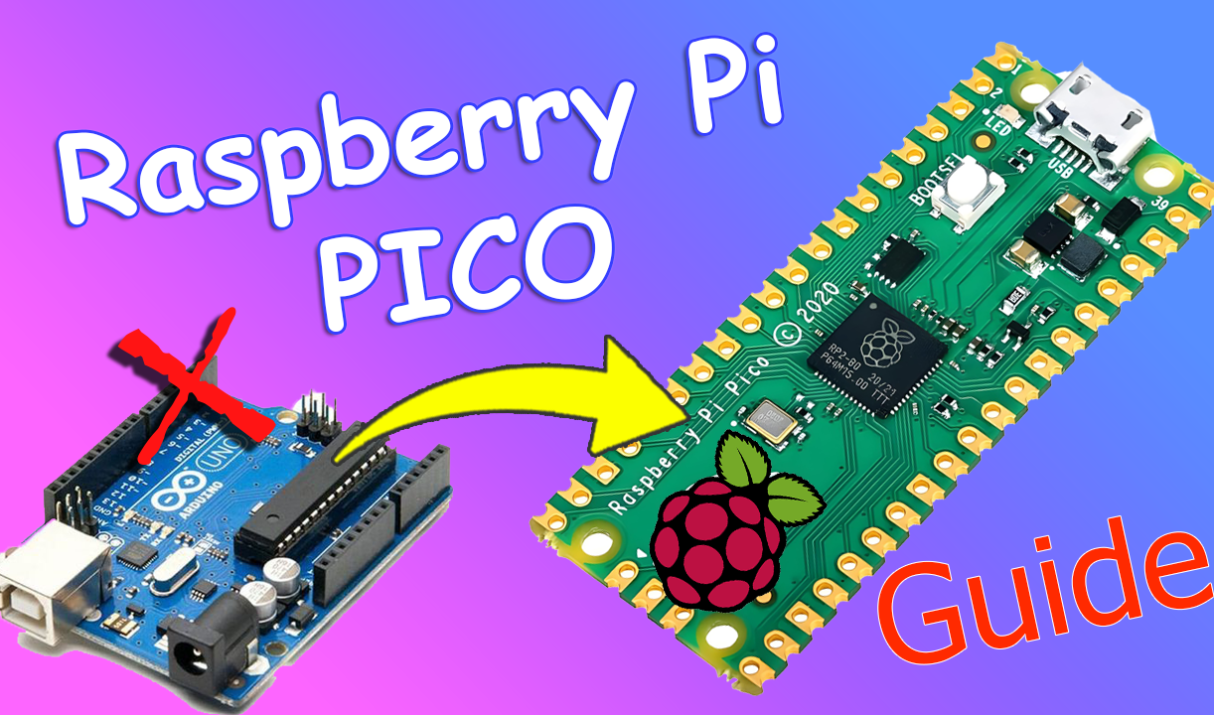
📌 Introduction The Raspberry Pi Pico is a powerful and affordable microcontroller board built around the RP2040 chip designed by the Raspberry Pi Foundation. It costs only $4. Whether you’re a beginner in electronics or a maker looking for a low-cost development board, the Pico is an excellent starting point. In this guide, you’ll learn:
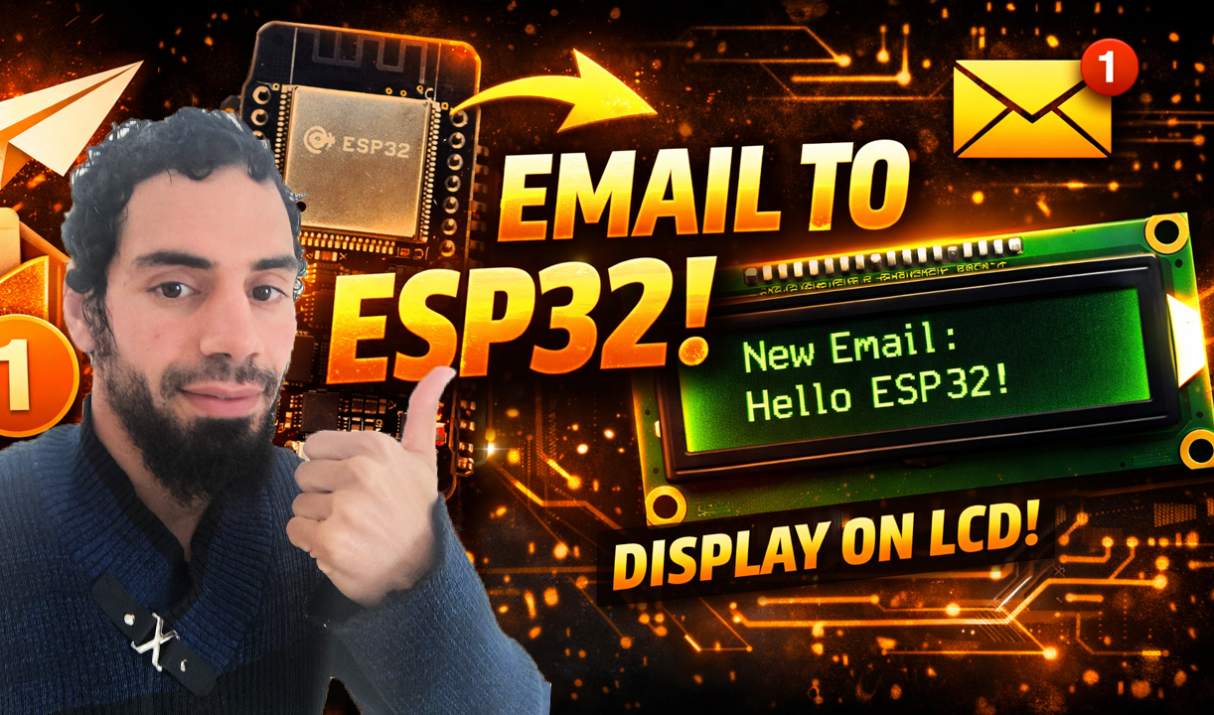
📩 Introduction In our hyper-connected world, we often find ourselves constantly refreshing our inboxes, waiting for that one important email. But what if you could glance at a small screen on your desk instead of unlocking your phone? In this project, we will build a Smart IoT Email Notifier using the powerful ESP32 microcontroller. The device will
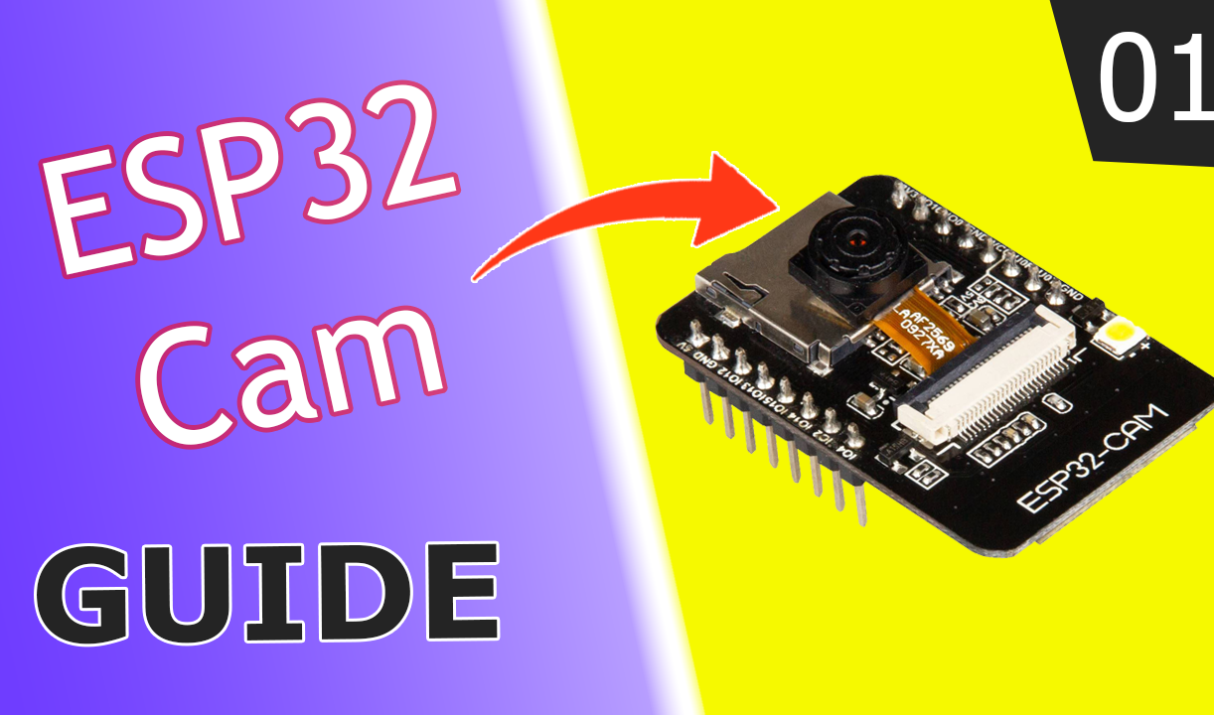
The ESP32-CAM is one of the most exciting and affordable microcontrollers in the IoT and embedded vision world. For under $10, this tiny board packs: However, because it lacks a built-in USB port, getting started can be a bit tricky for beginners. This guide will walk you through everything you need to know, from the

🚀 Introduction Have you ever wanted your ESP32 to send you an email when motion is detected, temperature exceeds a threshold, or when your IoT device needs attention? So, sending emails directly from microcontrollers opens up a world of possibilities for remote monitoring and alert systems. In this comprehensive guide, I’ll walk you through the
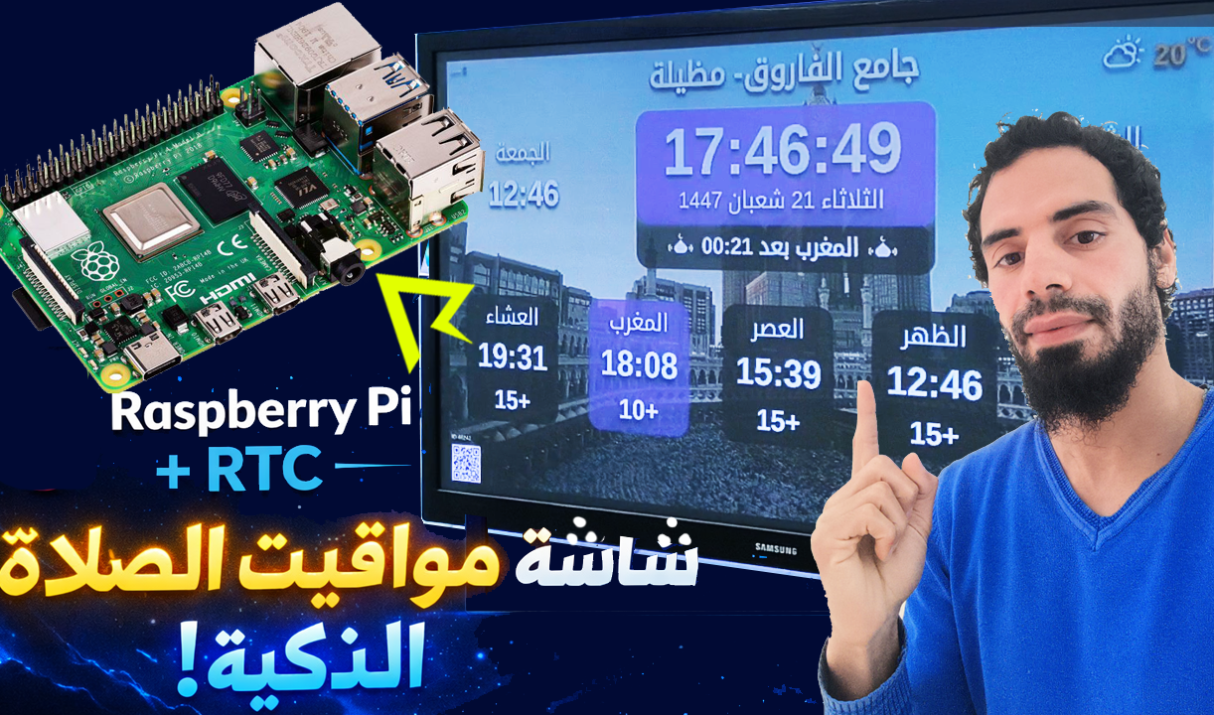
In this blog post, we will build a Prayer Times Display using a Raspberry Pi and an RTC (Real Time Clock) module So no Wi-Fi is needed. This project ensures accurate timekeeping even without an internet connection, making it perfect for homes, mosques, and schools. It is beginner-friendly and a great practical Raspberry Pi project.