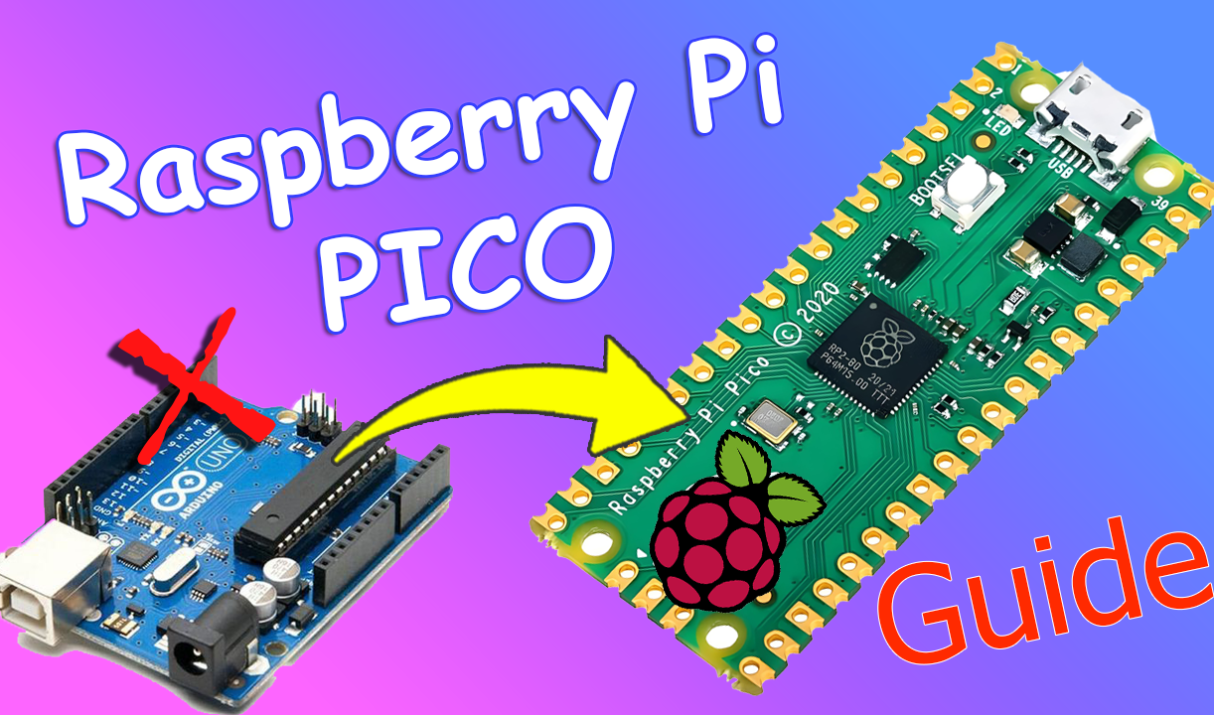

📌 Introduction The Raspberry Pi Pico is a powerful and affordable microcontroller board built around the RP2040 chip designed by the Raspberry Pi Foundation. It costs only $4. Whether you’re a beginner in electronics or a maker looking for a low-cost development board, the Pico is an excellent starting point. In this guide, you’ll learn:
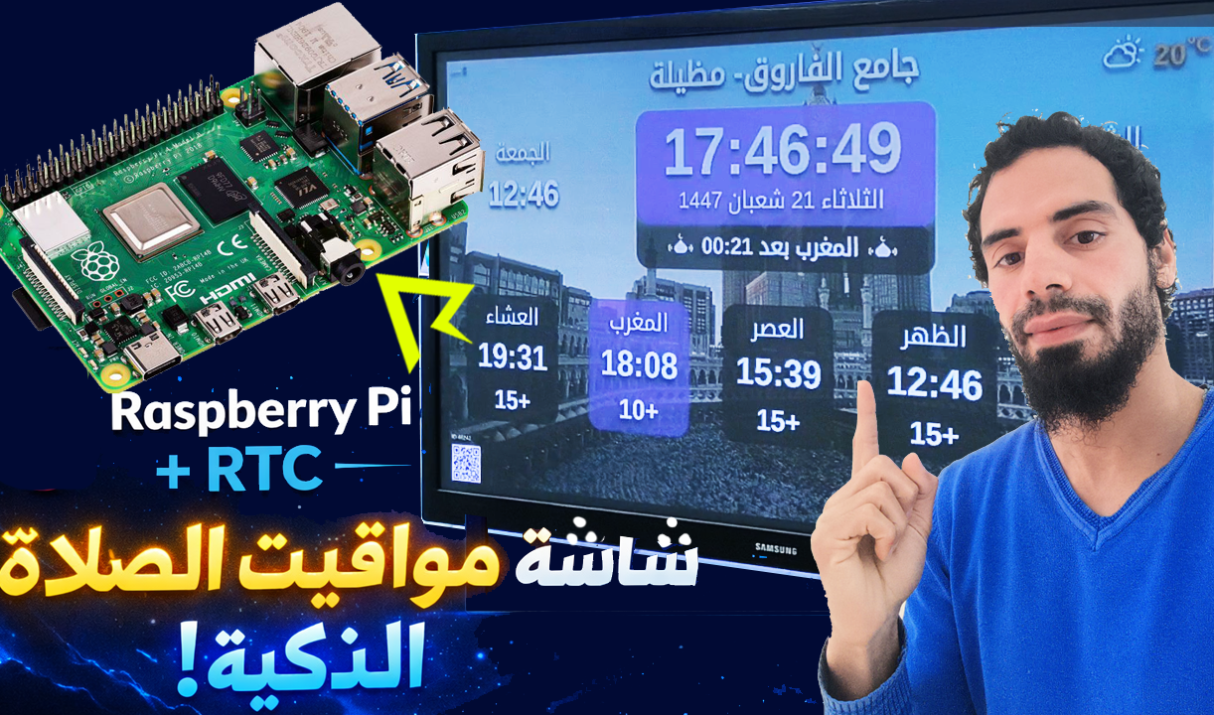
In this blog post, we will build a Prayer Times Display using a Raspberry Pi and an RTC (Real Time Clock) module So no Wi-Fi is needed. This project ensures accurate timekeeping even without an internet connection, making it perfect for homes, mosques, and schools. It is beginner-friendly and a great practical Raspberry Pi project.
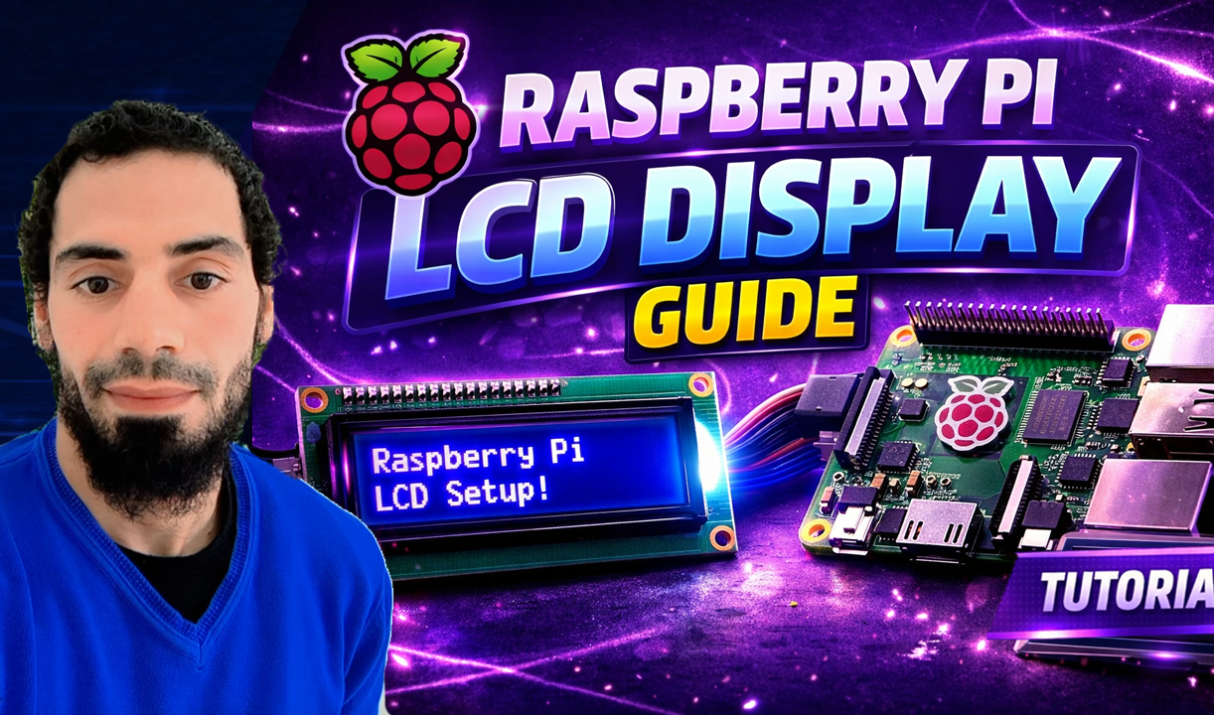
Introduction Using an LCD display with a Raspberry Pi is one of the most useful beginner projects in electronics and IoT. LCDs allow you to show text, sensor values, system status, and messages without needing a monitor or keyboard. In this guide, you’ll learn how to connect a 16×2 LCD to a Raspberry Pi, install
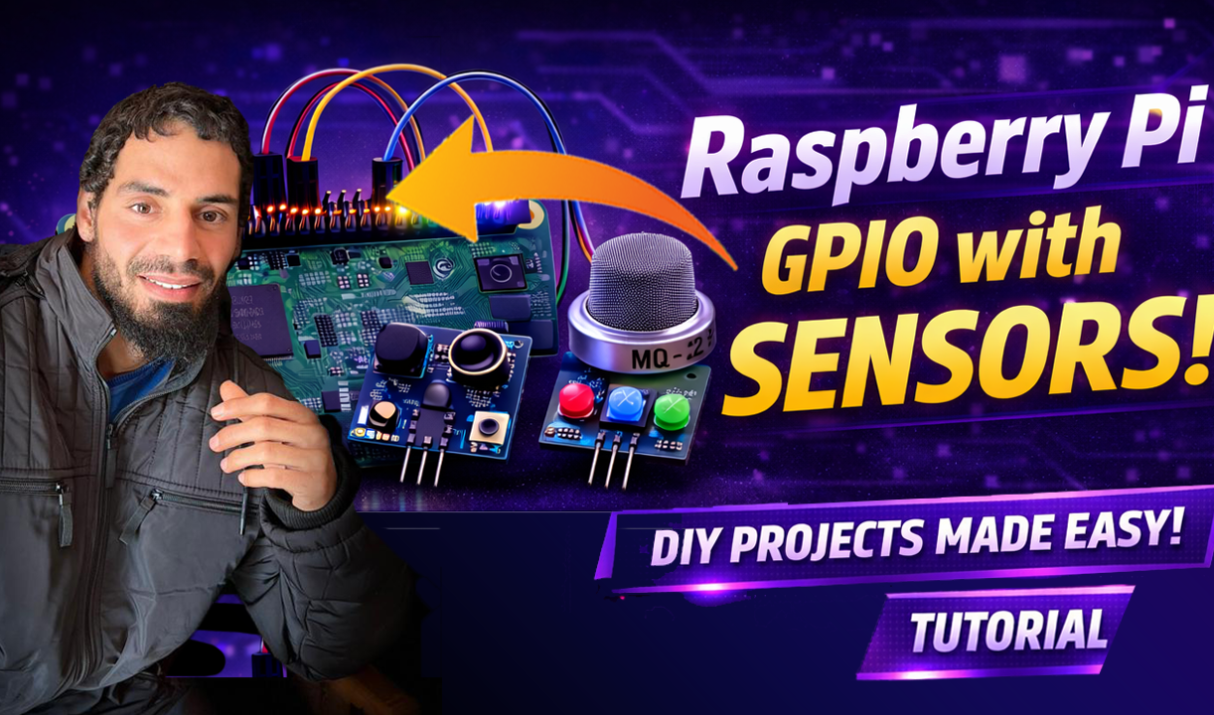
Let’s take the next step in our Raspberry Pi GPIO journey by working with sensors. Instead of only controlling devices like LEDs, we’ll learn how to read inputs from the real world and make our projects react automatically. 1️⃣ What Are Sensors? Sensors are components that detect changes in the environment and send signals to
The Raspberry Pi is a powerful SBC for interacting with the physical world. Thanks to its GPIO pins, you can control LEDs, read sensors, and build exciting DIY projects. In this guide, we’ll learn how Raspberry Pi GPIO pins work and how to control them using Python. Before we begin, make sure your Raspberry Pi
In the previous guide, we’ve installed Raspberry Pi OS for the first time.We have used a monitor and cables. Since that setup isn’t always practical, we can also use a headless setup to run the Raspberry Pi without a screen, keyboard, or mouse. What Is a Headless Setup? A headless Raspberry Pi setup means running